CHADIS is a service that allows families, teachers, and caregivers to complete standardized questionnaires about your child. These help us to better understand your child and to track your child’s development and behavior over time.
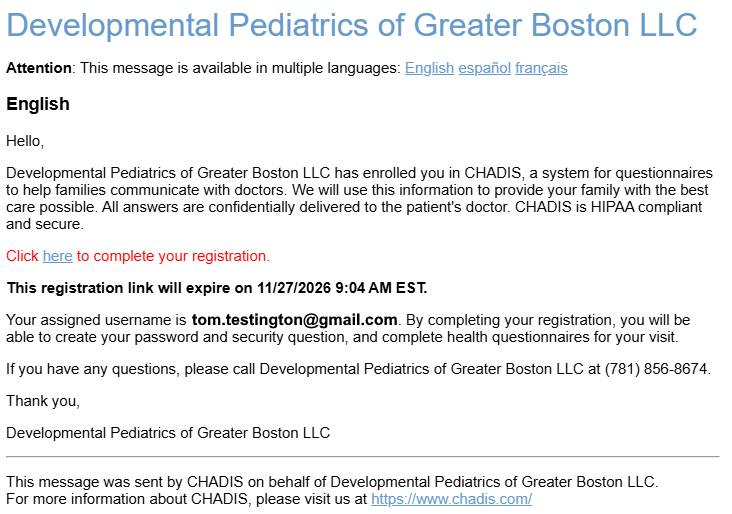
You will receive an invitation to register for CHADIS from support@chadis.com. Follow the link to complete your registration.
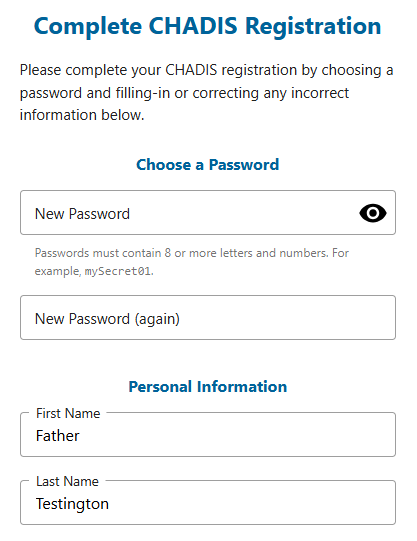
Registration should be completed with details about the parent / guardian, not the patient.
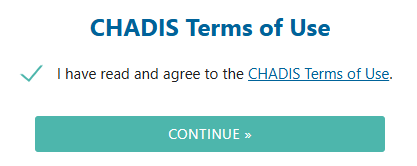
Agree to the terms of use.
Completing questionnaires
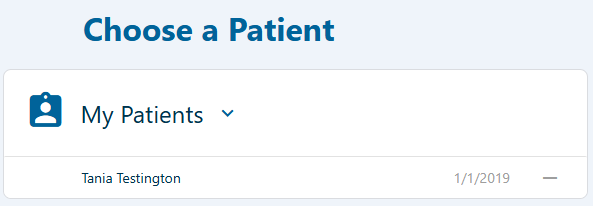
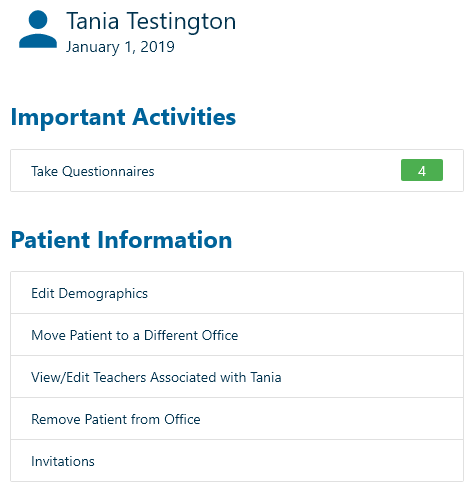
Choose your child. Some families will have more than one patient in CHADIS.
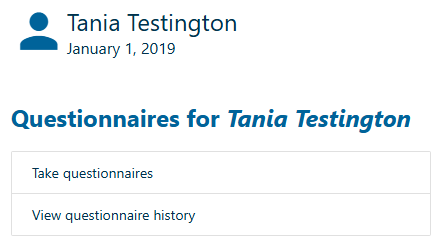
Choose “Take questionnaires”
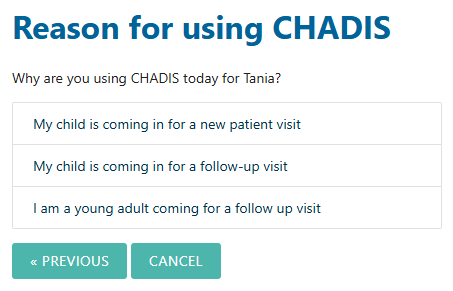
Please choose whichever option is appropriate.
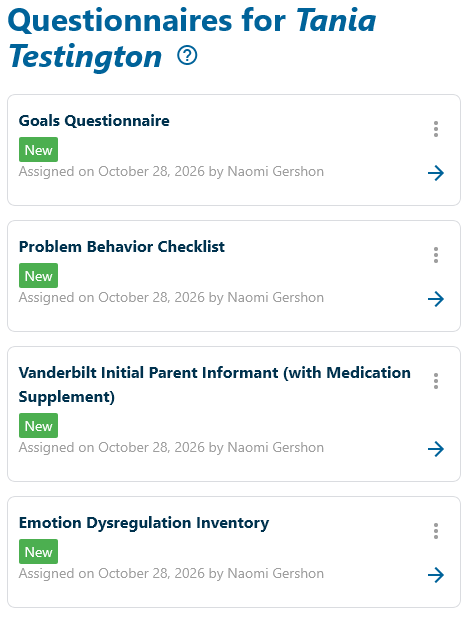
CHADIS will display a list of questionnaires for you to complete. The list will probably contain more than one questionnaire. You may now begin each questionnaire.
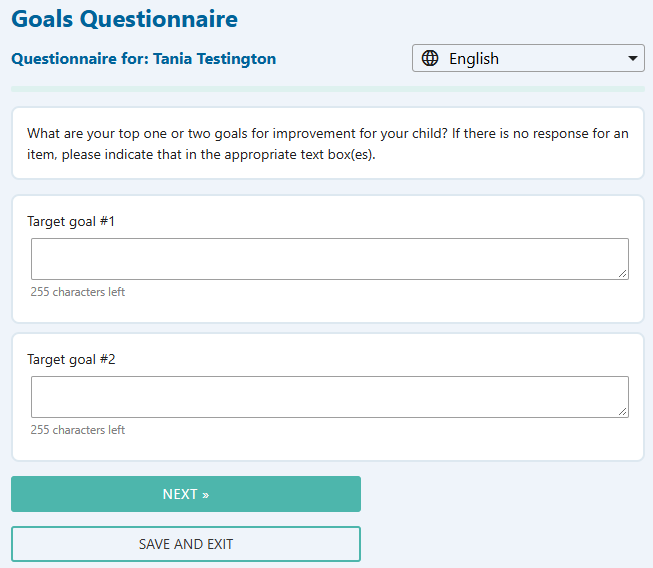
Enter your responses and choose “next”.
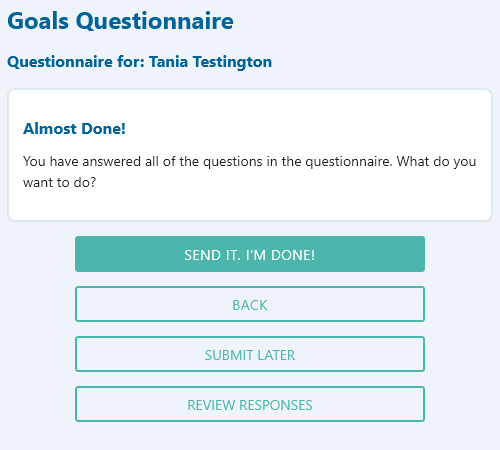
Remember to click or tap “SEND IT” at the end of each questionnaire.
Inviting a teacher or caregiver
From this screen, click or tap “View/Edit Teachers”.
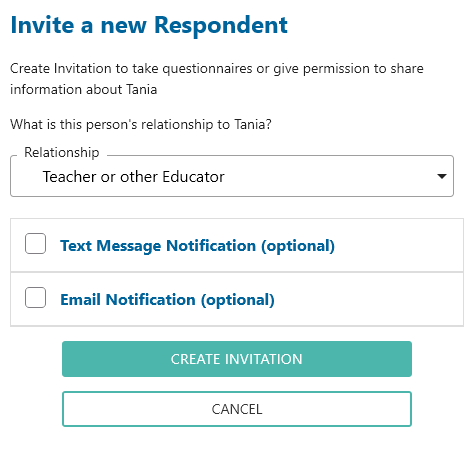
Click or tap “Invite a Teacher to do CHADIS”.
Choose whether to invite the teacher by email or by text message, then complete the fields.
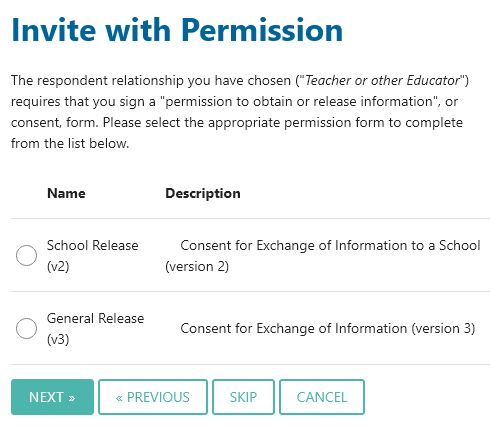
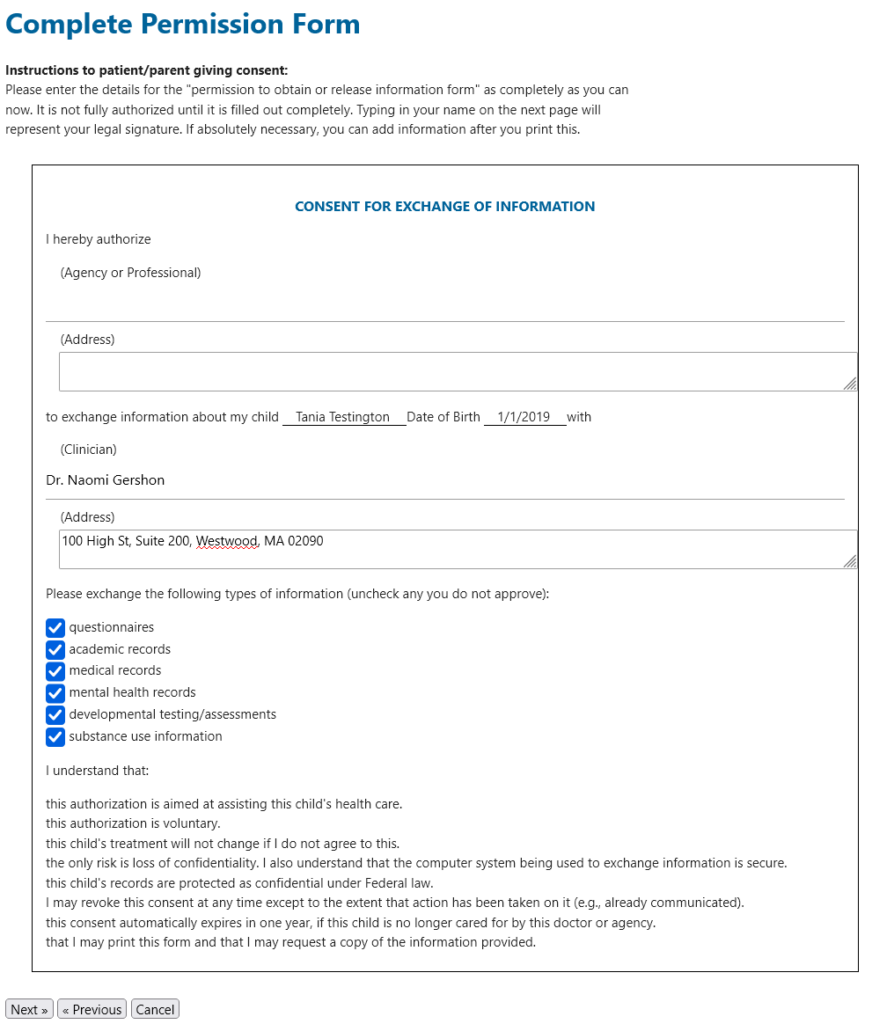
CHADIS will then ask you to complete a form giving permission for the teacher to provide information to our practice. Click or tap “School Release”.
Be sure to enter the teacher’s full name and full school address. For “Clinician”, enter “Dr. Naomi Gershon” and our practice address, “100 High St, Suite 200, Westwood, MA 02090”.
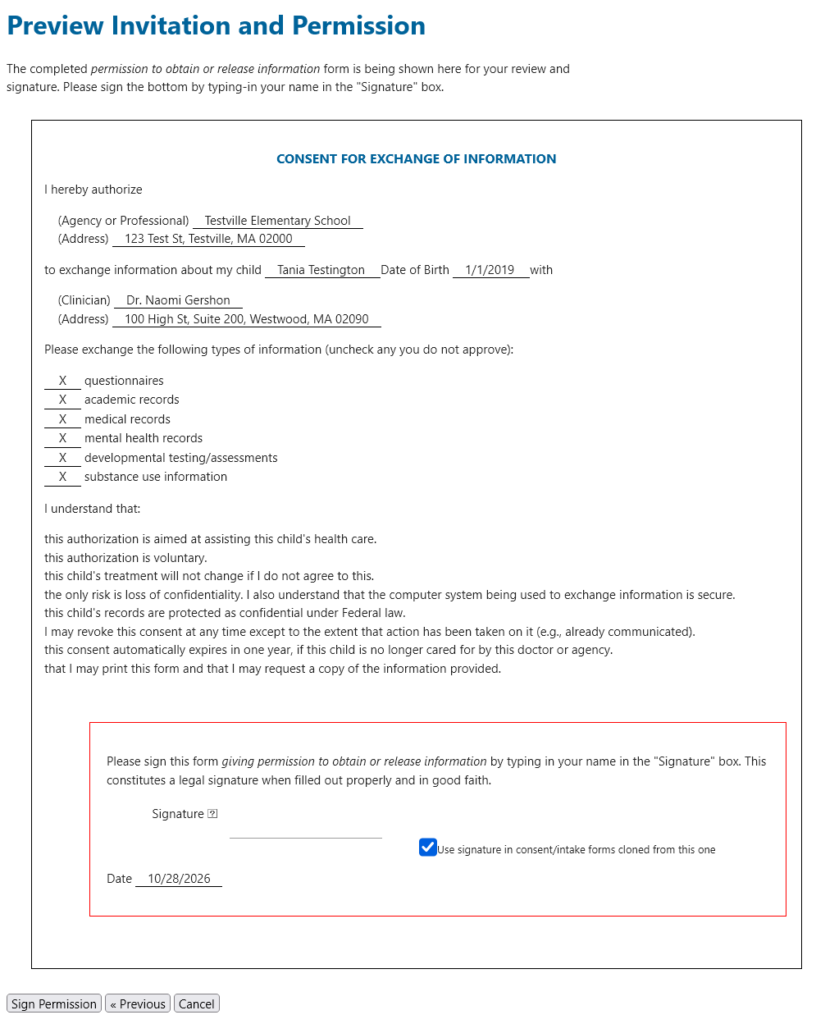
Sign the form by entering your name.
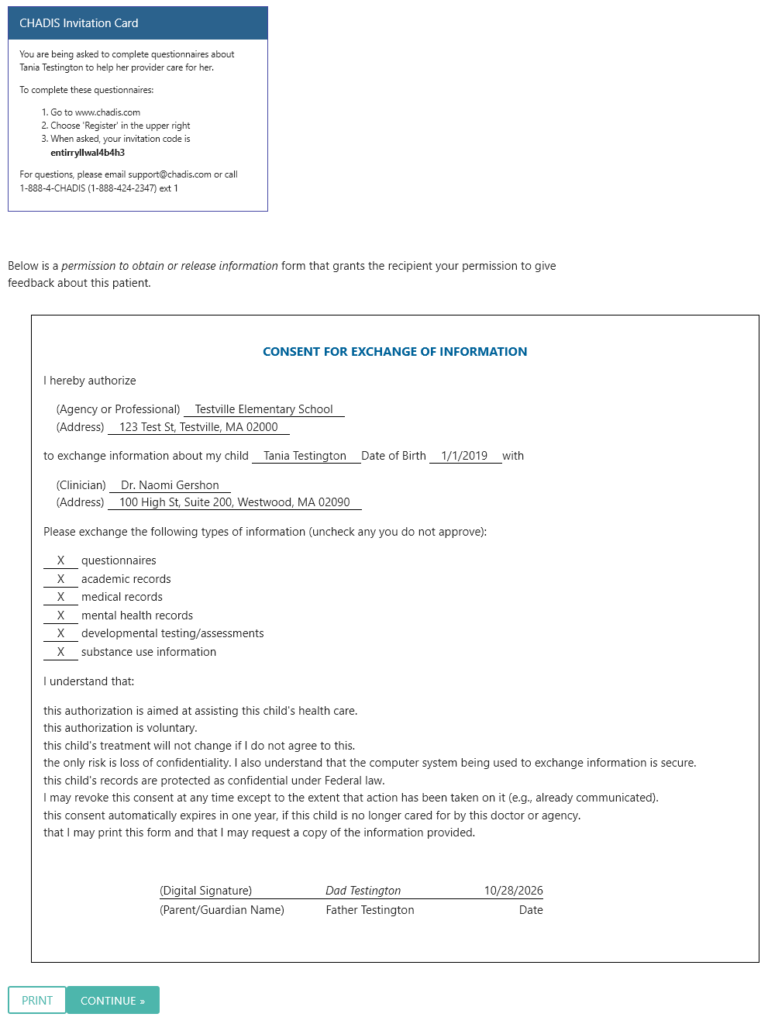
When CHADIS displays this screen, you are done. Please print this screen. Sometimes, the school’s security system blocks the email invitation to the teacher. The teacher will tell you that she never received the invitation. In this case, you can give the print out to the teacher and she can use the “invitation code” to register for CHADIS.
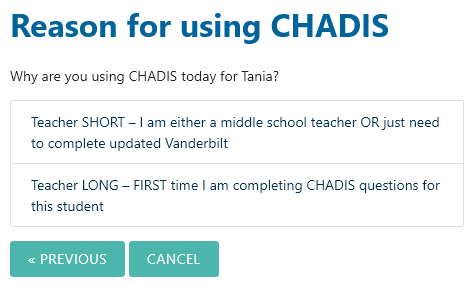
There is no need for you to assign questionnaires to the teacher. The teacher will be asked to choose between these two options.